Carving Cutters and Engraving Points
Choose the working profile for the mark you want. A ball, a pointed head and a straight-sided cutter present different surfaces to the work, even when the shanks are the same size.
-
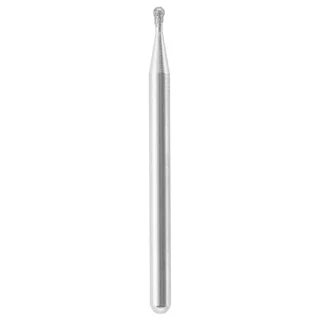 Dremel 7103 diamond wheel point
5/64-inch diamond working head.
$12.72Nov 10, 26, 09:09 PM · New YorkAdd to cartPrice info
This is a monthly price snapshot supplied by Rainforest, not a live quote. Product prices and availability are accurate as of the date/time indicated and are subject to change. Any price and availability information displayed on Amazon.com at the time of purchase will apply to the purchase of this product.
Orders and payment take place on Amazon.
-
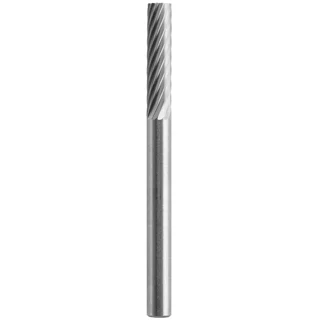 Dremel 9901 cylindrical carbide cutter
9901 tungsten carbide model with a cylindrical working head.
$9.32Nov 10, 26, 09:10 PM · New YorkAdd to cartPrice info
This is a monthly price snapshot supplied by Rainforest, not a live quote. Product prices and availability are accurate as of the date/time indicated and are subject to change. Any price and availability information displayed on Amazon.com at the time of purchase will apply to the purchase of this product.
Orders and payment take place on Amazon.
-
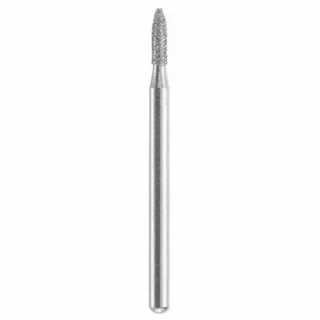 Dremel 7144 diamond wheel point
3/32-inch diamond working head.
$10.47Nov 10, 26, 09:11 PM · New YorkAdd to cartPrice info
This is a monthly price snapshot supplied by Rainforest, not a live quote. Product prices and availability are accurate as of the date/time indicated and are subject to change. Any price and availability information displayed on Amazon.com at the time of purchase will apply to the purchase of this product.
Orders and payment take place on Amazon.
-
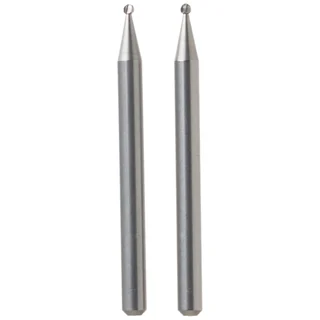 Dremel 106 engraving cutter
106 is a small rotary engraving cutter in Dremel’s accessory family.
$5.39Nov 10, 26, 10:02 PM · New YorkAdd to cartPrice info
This is a monthly price snapshot supplied by Rainforest, not a live quote. Product prices and availability are accurate as of the date/time indicated and are subject to change. Any price and availability information displayed on Amazon.com at the time of purchase will apply to the purchase of this product.
Orders and payment take place on Amazon.
-
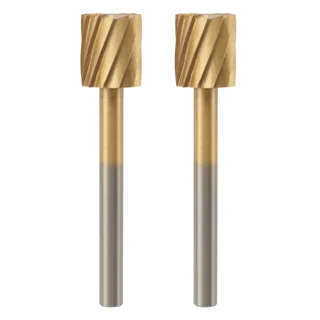 Dremel 115HP rotary carving bit
115HP is a high-performance carving bit with a 5/16-inch working head.
$13.82Nov 10, 26, 10:03 PM · New YorkAdd to cartPrice info
This is a monthly price snapshot supplied by Rainforest, not a live quote. Product prices and availability are accurate as of the date/time indicated and are subject to change. Any price and availability information displayed on Amazon.com at the time of purchase will apply to the purchase of this product.
Orders and payment take place on Amazon.
-
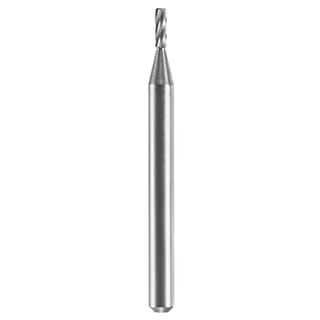 Dremel 113 engraving cutter
113 is a Dremel engraving cutter with a documented 1/8-inch shank.
$5.99Nov 10, 26, 10:04 PM · New YorkAdd to cartPrice info
This is a monthly price snapshot supplied by Rainforest, not a live quote. Product prices and availability are accurate as of the date/time indicated and are subject to change. Any price and availability information displayed on Amazon.com at the time of purchase will apply to the purchase of this product.
Orders and payment take place on Amazon.
-
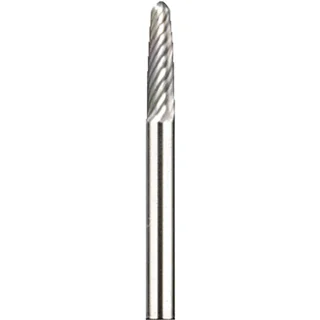 Dremel 9910 tapered carbide cutter
9910 is a tungsten carbide cutter with a tapered working profile.
$29.17Nov 10, 26, 10:06 PM · New YorkAdd to cartPrice info
This is a monthly price snapshot supplied by Rainforest, not a live quote. Product prices and availability are accurate as of the date/time indicated and are subject to change. Any price and availability information displayed on Amazon.com at the time of purchase will apply to the purchase of this product.
Orders and payment take place on Amazon.
-
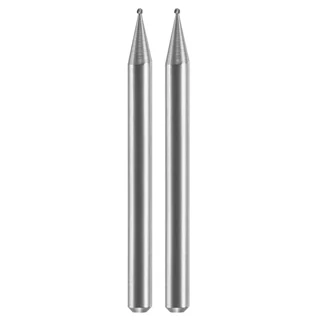 Dremel 105 ball engraving cutter
Dremel 105 has a small ball working head and a 1/8-inch shank in the documented model family.
$6.45Nov 10, 26, 10:07 PM · New YorkAdd to cartPrice info
This is a monthly price snapshot supplied by Rainforest, not a live quote. Product prices and availability are accurate as of the date/time indicated and are subject to change. Any price and availability information displayed on Amazon.com at the time of purchase will apply to the purchase of this product.
Orders and payment take place on Amazon.
-
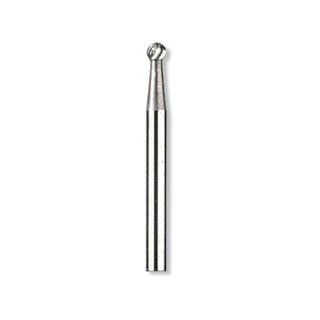 Dremel 9905 tungsten carbide cutter
9905 is a tungsten carbide model with a rounded working head.
$11.69Nov 10, 26, 10:07 PM · New YorkAdd to cartPrice info
This is a monthly price snapshot supplied by Rainforest, not a live quote. Product prices and availability are accurate as of the date/time indicated and are subject to change. Any price and availability information displayed on Amazon.com at the time of purchase will apply to the purchase of this product.
Orders and payment take place on Amazon.
-
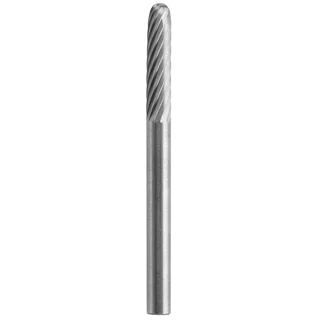 Dremel 9903 round-end carbide cutter
The 9903 family uses a cylindrical head with a rounded tip.
$8.07Nov 10, 26, 11:05 PM · New YorkAdd to cartPrice info
This is a monthly price snapshot supplied by Rainforest, not a live quote. Product prices and availability are accurate as of the date/time indicated and are subject to change. Any price and availability information displayed on Amazon.com at the time of purchase will apply to the purchase of this product.
Orders and payment take place on Amazon.
-
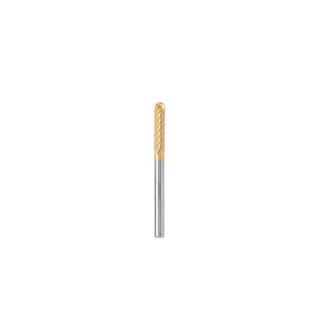 Dremel 9903HP coated round-end carbide cutter
The 9903 family uses a cylindrical head with a rounded tip.
$13.98Nov 10, 26, 11:05 PM · New YorkAdd to cartPrice info
This is a monthly price snapshot supplied by Rainforest, not a live quote. Product prices and availability are accurate as of the date/time indicated and are subject to change. Any price and availability information displayed on Amazon.com at the time of purchase will apply to the purchase of this product.
Orders and payment take place on Amazon.
-
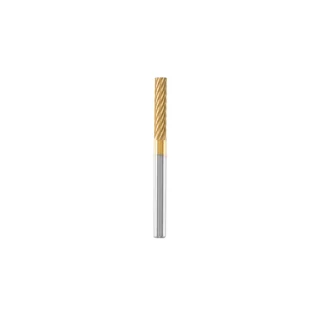 Dremel 9901HP coated cylindrical carbide cutter
Dremel 9901HP is the coated cylindrical 1/8-inch carbide model.
$14.97Nov 10, 26, 11:06 PM · New YorkAdd to cartPrice info
This is a monthly price snapshot supplied by Rainforest, not a live quote. Product prices and availability are accurate as of the date/time indicated and are subject to change. Any price and availability information displayed on Amazon.com at the time of purchase will apply to the purchase of this product.
Orders and payment take place on Amazon.
-
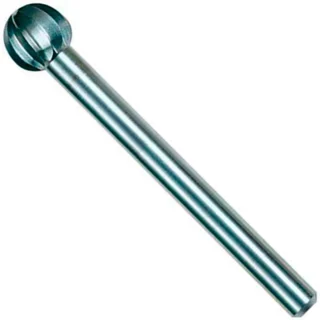 Dremel 100 ball carving cutter
Dremel 100 is a rotary carving cutter with a ball working profile.
$9.99Nov 10, 26, 11:06 PM · New YorkAdd to cartPrice info
This is a monthly price snapshot supplied by Rainforest, not a live quote. Product prices and availability are accurate as of the date/time indicated and are subject to change. Any price and availability information displayed on Amazon.com at the time of purchase will apply to the purchase of this product.
Orders and payment take place on Amazon.
-
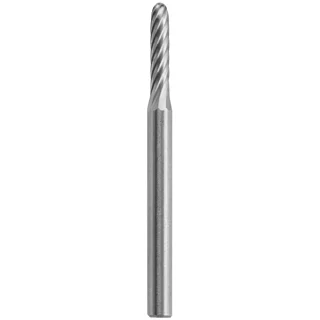 Dremel 9904 small carbide carving cutter
Dremel 9904 has a documented 3/32-inch working tip and 1/8-inch shank.
$11.89Nov 10, 26, 11:07 PM · New YorkAdd to cartPrice info
This is a monthly price snapshot supplied by Rainforest, not a live quote. Product prices and availability are accurate as of the date/time indicated and are subject to change. Any price and availability information displayed on Amazon.com at the time of purchase will apply to the purchase of this product.
Orders and payment take place on Amazon.
What to check before buying
Look for a manufacturer-listed match between the material and the exact bit. Compare the smallest part of the head that will contact your work. For a recess or narrow detail, check whether a broader part of the head would also touch the work. A carbide cutter with teeth and a diamond-coated point should be compared by the job each is documented to do.
Read the head profile
A straight-sided cylinder can reach along a flat side of a cut. A round end or ball changes the contact point when you need a curved groove or a small hollow.
Check dimensions in two places
Choose the working-tip size for the detail and use the shank size for the holder. The 9904 and 9903 make a useful comparison when the same tool can hold cutters with different head widths.
Compare these accessories
- Dremel 9901 cylindrical carbide cutter
- Dremel 9903 round-end carbide cutter
- Dremel 9904 small carbide carving cutter
Manufacturer references
Questions about this department
How can two bits with the same shank leave different marks?
The shank fits the holder. The head shape and width determine which part of the bit meets the surface, so compare those dimensions to the detail you want.
Can I compare a carbide cutter and diamond point by head diameter alone?
Compare the intended material and the shape first. Similar outside dimensions can describe very different working surfaces.